

For students of Bahawalpur Board, calculating your 10th class marks accurately is essential for tracking progress and planning exam preparation. With exams approaching, a marks calculator can help you understand your expected total marks, percentage, and grade before results are officially announced. This guide will show you how to calculate your marks step-by-step and use the calculator effectively.
Why a Marks Calculator is Important
Many students face confusion while adding subject marks, calculating percentages, or predicting grades. A marks calculator:
- Saves time and reduces manual errors
- Helps analyze weak subjects
- Provides a clear picture of overall performance
- Assists in planning revision for remaining exams
Step 1: Gather Your Subject Marks
Before using the marks calculator, make sure you have:
- Marks obtained in all subjects (compulsory + optional)
- Total marks allocated for each subject
- Any practical or internal assessment marks
Example Table: Subject Marks Layout
| Subject | Total Marks | Obtained Marks |
|---|---|---|
| Urdu | 100 | 85 |
| English | 100 | 78 |
| Maths | 100 | 90 |
| Science | 100 | 88 |
| Islamiat | 50 | 45 |
| Pakistan Studies | 50 | 48 |
Step 2: Enter Marks into the Calculator
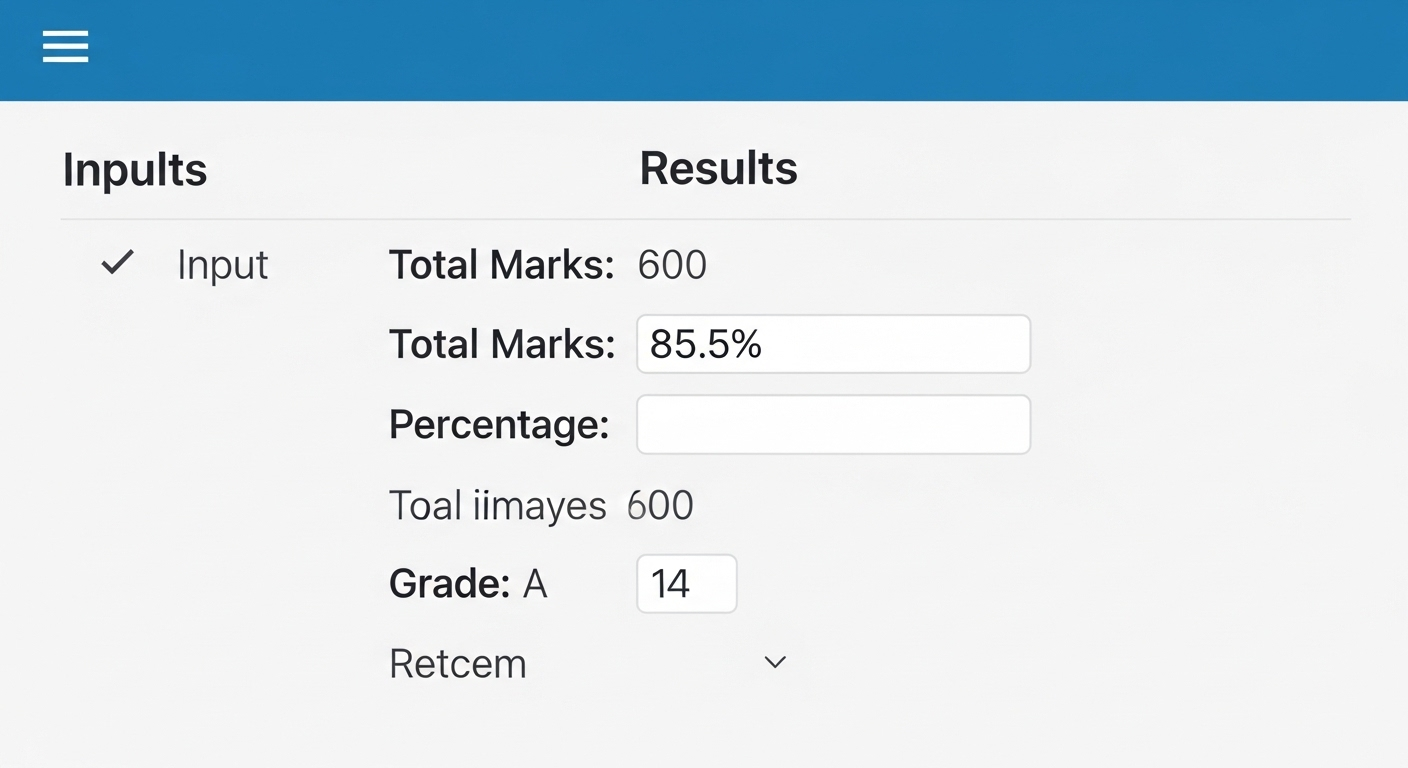
Most 10th class marks calculators are online. Steps to use:
- Open official or trusted calculator (like Bahawalpur Board tools page)
- Enter marks obtained in each subject
- Enter total marks per subject
- Click “Calculate”

Step 3: Understand Your Results
After calculation, the marks calculator will provide:
- Total Marks Obtained
- Percentage (%)
- Predicted Grade
Example Table: Result Overview
| Total Marks | Percentage | Grade |
|---|---|---|
| 434 | 86.8% | A+ |
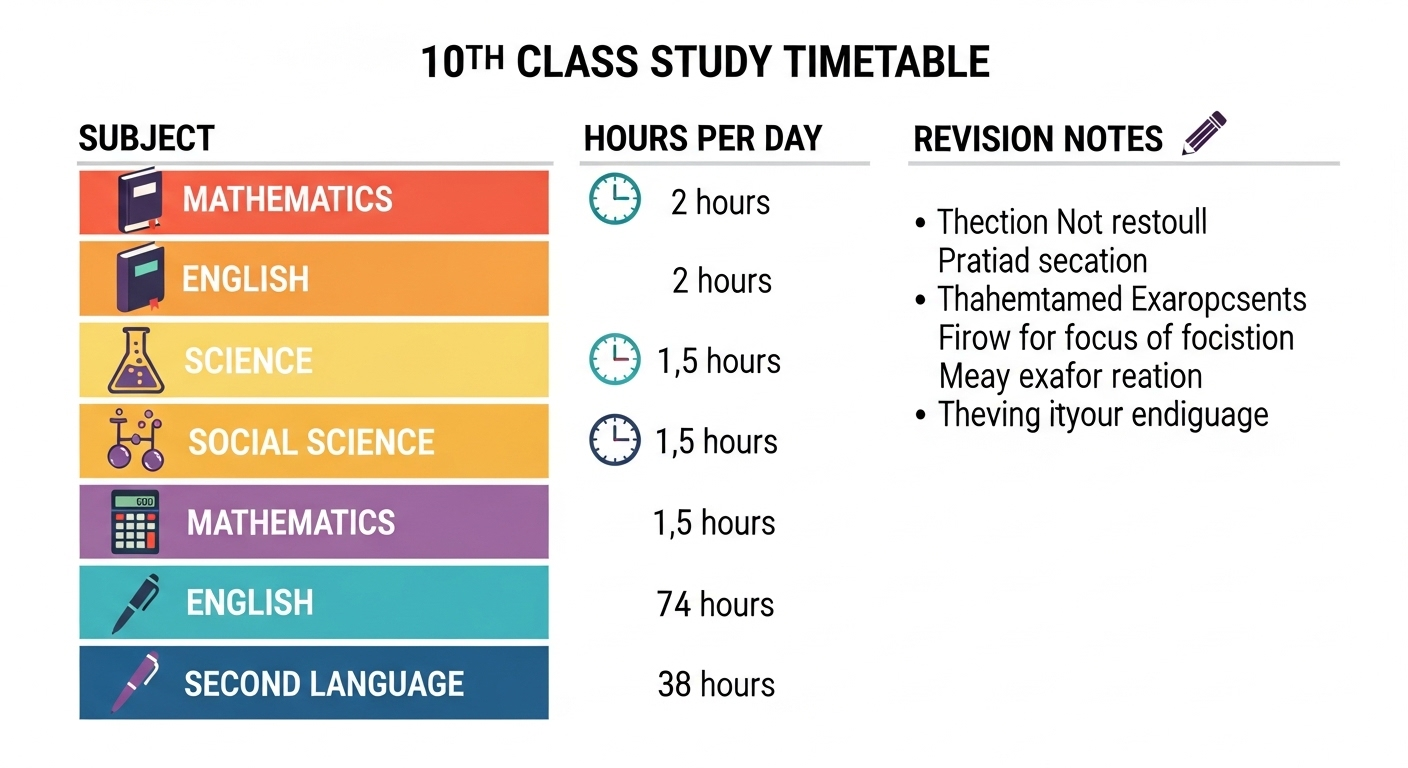
Tip: Compare your percentage with the Bahawalpur Board grading scale for final grade confirmation.
Step 4: Use the Calculator for Multiple Scenarios
A marks calculator is useful not only for actual marks but also for:
- Predicting minimum required marks to achieve a desired grade
- Planning subject-wise improvement
- Analyzing past performance vs expected marks
Example Scenario:
- Desired Grade: A+
- Current Total Marks: 400/500
- Required additional marks in remaining exams: Use calculator to estimate
Also Read About: Top Mistakes Students Make in 10th Exams Bahawalpur Board
Step 5: Check Official Sources
Always verify your results with official Bahawalpur Board sources:
- BISE Bahawalpur Official Website
- Roll number slips and date sheets
- Updates on exam rules or grading policies
Tips for Accurate Marks Calculation
- Double-check practical and project marks before entering
- Use one calculator consistently to avoid discrepancies
- Keep a written backup of marks for future reference
- Use the calculator to simulate grade improvements by adjusting expected marks
FAQs: 10th Class Marks Calculator Bahawalpur Board
Q1: Can I calculate marks for both Science and Arts groups?
A: Yes, most calculators support both groups. Make sure to select your group before entering marks.
Q2: Are internal assessment marks included in the calculator?
A: Yes, always include practical or internal assessment marks if provided by the school.
Q3: Is this calculation official?
A: No, it is predictive. Official results are only declared by BISE Bahawalpur.
Q4: Can I use the calculator for previous years?
A: Yes, but make sure to update total marks as the syllabus or marks distribution may vary.
Q5: What should I do if my calculated grade is lower than expected?
A: Identify weak subjects and focus on them in revision. Also, verify marks and grading scale with official notifications.
✅ Conclusion
Using a 10th class marks calculator is a smart way to track performance and make informed decisions about exam preparation. It reduces stress, ensures accuracy, and helps students identify weak areas before results are declared. Always rely on official BISE Bahawalpur resources and follow step-by-step guidance for best results.
Remember: Preparation + Awareness + Marks Calculator = Success in 10th Class Exams Bahawalpur Board!
